How to Send Bulk WhatsApp Messages with Images, PDFs, and Videos
Sending media in bulk on WhatsApp — supported file types and size limits, how captions work, when media helps versus hurts, and how to avoid the delivery problems attachments introduce.
Quick answer
Yes — a bulk campaign can attach one image, PDF, video or audio file that every recipient receives, while the caption still personalizes per person with placeholders. WhatsApp allows documents up to 100 MB and photos and video up to 16 MB, but for bulk sending keep images under about 300 KB and PDFs under 2 MB: large files upload slowly per recipient, fail more often, and cost recipients data.
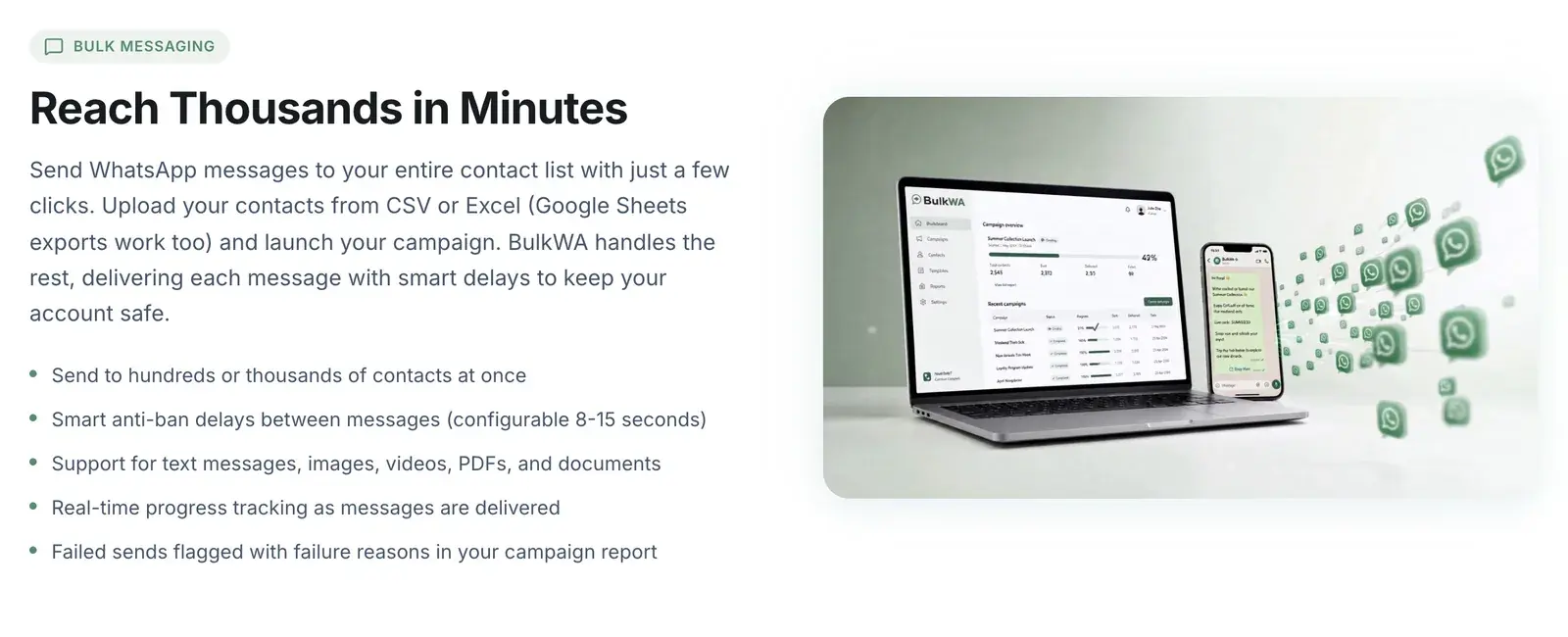
Short answer: yes, you can attach an image, PDF, video, or audio file to a bulk campaign, and the caption can still be personalized per recipient. WhatsApp allows documents up to 100 MB and photos and videos up to 16 MB — but for bulk sending, smaller is dramatically better.
The mechanics are easy. The judgement about *when* to attach something is where campaigns are won or lost.
What WhatsApp Accepts
| Type | Limit | Common formats |
|---|---|---|
| Documents | 100 MB | PDF, DOC/DOCX, XLS/XLSX, PPT/PPTX, TXT |
| Photos | 16 MB | JPG, PNG |
| Videos | 16 MB | MP4, 3GP |
| Audio | 16 MB | AAC, M4A, MP3, OGG, AMR |
These are ceilings, not targets. A 90 MB PDF is technically sendable and a genuinely bad idea for a campaign — see below.
How It Works in a Campaign
The pattern is the same across tools:
- Attach one file to the campaign. Every recipient gets the same file.
- Write a caption with placeholders — the caption is a normal message body, so {Name} and other fields substitute per person.
- Send. Each recipient receives the media with their own version of the caption.
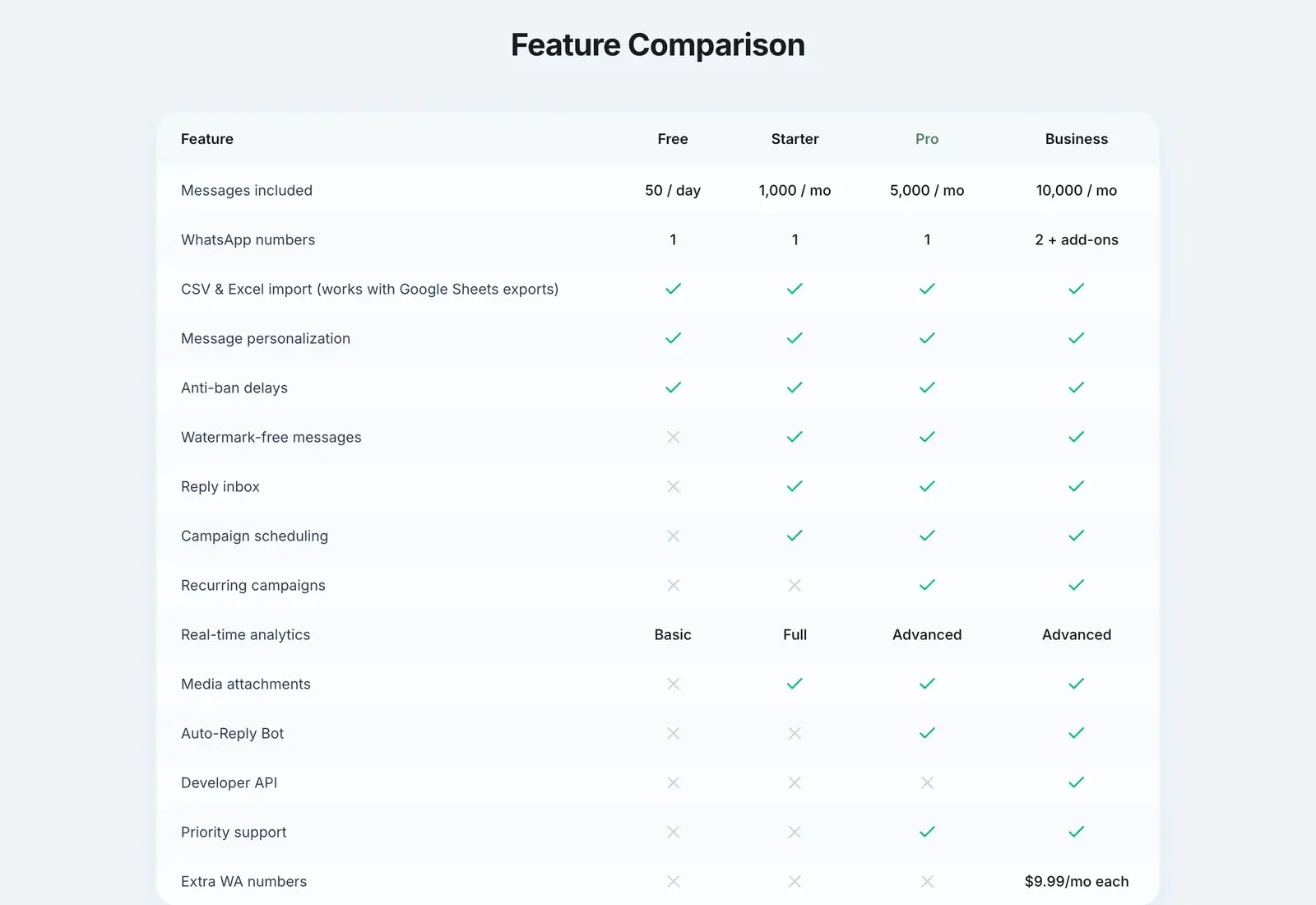
In BulkWA, media attachments are available on all paid plans. You attach the file when composing the campaign, and the caption uses the same placeholder system as a text-only message.
Important: the media is identical for everyone; only the caption varies. If you need genuinely per-person files — individual invoices, personalized certificates — that requires per-recipient sending rather than one campaign, and most bulk tools including BulkWA do not do it in a single campaign.
Keep Files Small — This Matters More Than You Think
Four reasons that compound in bulk:
1. Upload time per recipient. A large file is transferred for each send. A campaign that takes 20 minutes with text can take hours with a heavy attachment.
2. Failure rate rises. More data means more opportunity for a transfer to fail, especially on the recipient's end.
3. Recipients pay for it. A 14 MB video on a metered mobile plan costs your customer money. People mute and block over this, and blocks are the strongest ban signal there is.
4. Many people never download it. WhatsApp does not always auto-download media, particularly on mobile data. Your beautiful catalogue sits undownloaded and your message effectively had no content.
Practical targets: images under 300 KB, PDFs under 2 MB, video under 5 MB. Compress before uploading. A 200 KB JPEG looks identical to a 3 MB one on a phone screen.
When Media Helps
- Product photos where the visual is the pitch — clothing, food, property, anything aesthetic
- A menu or price list as a compact PDF
- A receipt or ticket the customer needs to keep
- A short demo video for a product that needs showing rather than describing
- An event invitation where design carries the message
When Media Hurts
- When a link would do. A link to your catalogue page is smaller, trackable, updatable after sending, and does not cost the recipient data. Attachments are frozen the moment they send.
- When the message is urgent. Text delivers faster and more reliably.
- When you attach something because it looks effortful. A decorative image on an appointment reminder adds weight and no information.
- For a first message to someone who barely knows you. An unexpected attachment from an unfamiliar number reads as suspicious, and some people will not open it.
The honest default: use a link unless the file itself is the point.
Captions Are Still Messages
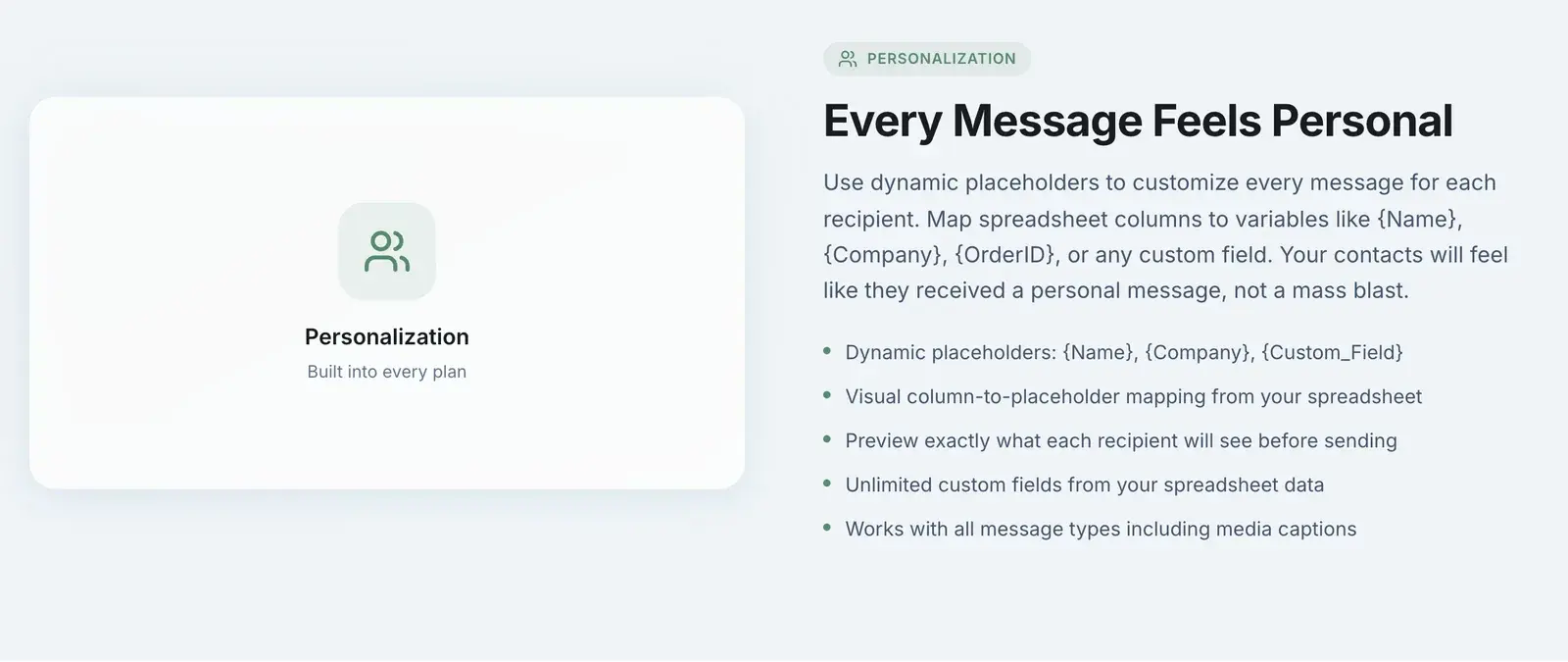
A common mistake is treating the caption as an afterthought. It is the part people read first, and it is the part that carries your personalization.
Two reasons to write it properly:
It drives the action. "New collection" under a photo does nothing. "Hi {Name} — the size 8 you asked about is back in stock, reply YES and I'll hold it" does.
It keeps each message unique. Identical byte-for-byte messages sent to hundreds of numbers are a recognisable automation pattern. When the media is the same for everyone, the caption is the only thing making each send distinct — which makes personalizing it a safety measure, not just a courtesy.
Delivery Reporting with Media
Media campaigns need closer monitoring than text ones, because there is an extra failure mode: delivered but never downloaded.
WhatsApp reports delivery of the message. It does not tell you whether the recipient downloaded and opened the attachment. So a campaign can show a healthy delivery rate and near-zero actual consumption.
How to tell: watch replies and conversions rather than delivery. If a media campaign delivers well but produces far fewer responses than your text campaigns, people are probably not opening the file. Try a link instead and compare.
BulkWA reports per-recipient status — sent, delivered, read, failed, replied — so you can compare a media campaign against a text one on like-for-like metrics rather than guessing.
Practical Checklist
Before sending a media campaign:
- Compress the file. Target well under the limits.
- Check it on a phone, not a desktop. Text in an image is often unreadable at phone size.
- Write the caption as a real message, with personalization and a clear action.
- Ask whether a link would be better. Usually it would.
- Send yourself a test first. Always. Media formatting problems are invisible until you see them on a real device.
- Send to a small batch first if the list is large, and check delivery before releasing the rest.
- Expect it to take longer than a text campaign and do not panic at the pace.
A Note on What Not To Send
Beyond size and format, the content rules still apply. Meta's Commerce Policy restricts certain categories regardless of format — an image of a restricted product is as prohibited as text about it.
And do not send anything to an unopted-in list, media or otherwise. An unexpected attachment from an unknown number is more likely to be reported than an unexpected text, not less.
Our Recommendation
Attach media when the file is the message — a menu, a product photo, a ticket — and use a link when it is not. Compress hard, write the caption as a real personalized message, and always send yourself a test to read on a phone. BulkWA supports media on every paid plan with the same placeholder personalization in captions, and its per-recipient delivery report lets you compare a media campaign against a text one on the same numbers — which is how you will find out, honestly, whether people are opening the file at all.
The Bottom Line
Media works well when the file is genuinely the message — a menu, a product photo, a ticket. It works badly when it is decoration, and it actively costs you when it is large.
Compress hard, personalize the caption, test on a phone first, and reach for a link whenever the file is not the point.
Frequently Asked Questions
Can I send images and PDFs in a bulk WhatsApp campaign?+
Yes. Tools that connect to your WhatsApp account can attach an image, PDF, video, or audio file to a campaign so every recipient receives the same media with their own personalized caption. WhatsApp supports documents up to 100 MB and photos and videos up to 16 MB, though smaller files deliver faster and more reliably.
What file size can I send on WhatsApp?+
WhatsApp allows documents such as PDFs up to 100 MB, and photos and videos up to 16 MB. In practice you should stay well below these ceilings for bulk sending: large files take longer to upload per recipient, are more likely to fail on poor connections, and consume recipients' mobile data, which increases the chance they mute or block you.
Can I personalize the caption on a bulk WhatsApp image?+
Yes. The media file is the same for everyone but the caption is a normal message body, so placeholders like {Name} are substituted per recipient. This matters for more than politeness — identical byte-for-byte messages sent to many numbers are a recognisable automation signal, and a personalized caption keeps each send unique.
Do media messages get delivered less reliably than text?+
They can. Media has to upload before it sends, so campaigns take longer and are more sensitive to connection quality on both ends. Recipients on slow or metered connections may not download the file even after it delivers. For time-sensitive messages, text with a link is usually more reliable than a large attachment.
Ready to Try BulkWA?
Send bulk WhatsApp messages with personalized templates. Free to start, no credit card required.
Get Started Free