Can You Use WhatsApp on a Computer Without Your Phone?
TL;DR
Yes, after a one-time QR link from your phone. WhatsApp's multi-device feature lets WhatsApp Web, Desktop and other linked devices work while the phone is off. But the account still lives on your phone number, and linked devices log out if the phone stays inactive for about 14 days.
For years, using WhatsApp on a computer meant keeping your phone nearby, charged and online. WhatsApp Web was a mirror: if the phone died, so did the browser tab. That changed when WhatsApp rolled out multi-device support around 2021 and 2022, and a lot of people still have not noticed.
The short version: you can now use WhatsApp on a computer with your phone switched off. You cannot use it without a phone at all. Here is the difference, and what it means for bulk sending.
Does WhatsApp Web Still Need Your Phone Connected?
No, not after it is linked. Under the multi-device design, each linked device has its own encrypted connection to WhatsApp. WhatsApp Web, the Desktop app and other linked devices keep sending and receiving while the phone is off, in a drawer, or on a plane.
There are two catches:
- The phone has to create the link. You scan a QR code with WhatsApp on your phone. There is no username and password to type in on a computer instead.
- The phone has to come back eventually. According to WhatsApp's help centre, if your primary phone is inactive for about 14 days, your linked devices are logged out. Opening WhatsApp on the phone with an internet connection resets that clock.
WhatsApp currently allows up to four linked devices alongside the main phone. The limit has changed before, so check your own Linked Devices screen.
What Still Needs the Phone?
The account is still your phone number. A few things cannot be done from a linked device:
- Creating an account. WhatsApp needs a phone number that can receive a verification SMS or call. There is no email sign-up.
- Linking new devices. Every new laptop, browser or tool needs a QR scan from the phone.
- Account-level changes. Changing your number or deleting the account happen on the phone, and at the time of writing some settings are still phone-only.
- Recovery. A lost phone means re-registering the number on a new phone with the same SIM. Expect linked devices to be logged out when you do.
So "WhatsApp without a phone" really means "WhatsApp without the phone in your hand", not "WhatsApp without owning one".
How Do You Link WhatsApp Web or Desktop?
WhatsApp Web (any browser)
- On the computer, open web.whatsapp.com. A QR code appears.
- On the phone, open WhatsApp and go to Settings (iPhone) or the three-dot menu (Android), then Linked devices.
- Tap Link a device and unlock with your fingerprint, face or PIN if asked.
- Point the camera at the QR code. Your chats load in the browser.
Some versions also let you link by typing a short code on the phone instead of scanning. Either way, the phone confirms it.
WhatsApp Desktop (Windows or Mac)
- Install the app from WhatsApp's download page, the Microsoft Store or the Mac App Store.
- Open it. It shows a QR code, just like the web version.
- Scan it from Linked devices on your phone, exactly as above.
The Desktop app usually holds a session longer than a browser tab, which logs out when you clear cookies.
A second phone or tablet
WhatsApp also lets a second phone or a tablet join an account as a companion device instead of registering its own number. During setup, choose the option to link to an existing account, then scan the QR from your main phone. Menu names vary by version.
When Does It Work Without the Phone?
| Situation | Works without phone? | What you need |
|---|---|---|
| Phone battery dies for an afternoon | Yes | Nothing, linked devices keep working |
| Using WhatsApp Web or Desktop all day with the phone in a drawer | Yes | A one-time QR scan from the phone |
| Phone off or offline for more than about 14 days | No | Bring the phone online, then scan the QR again |
| Creating a brand-new account with no phone number | No | A number that can receive a verification SMS or call |
| Lost or stolen phone | Not reliably | Re-register the number on a new phone, then re-link devices |
| Using a second phone on the same account | Yes, as a companion | A QR link from the main phone |
| Running a bulk campaign from a cloud dashboard | Yes, while the link is valid | Phone online now and then, and a re-scan if the session is logged out |
What Does This Mean for Bulk Sending?
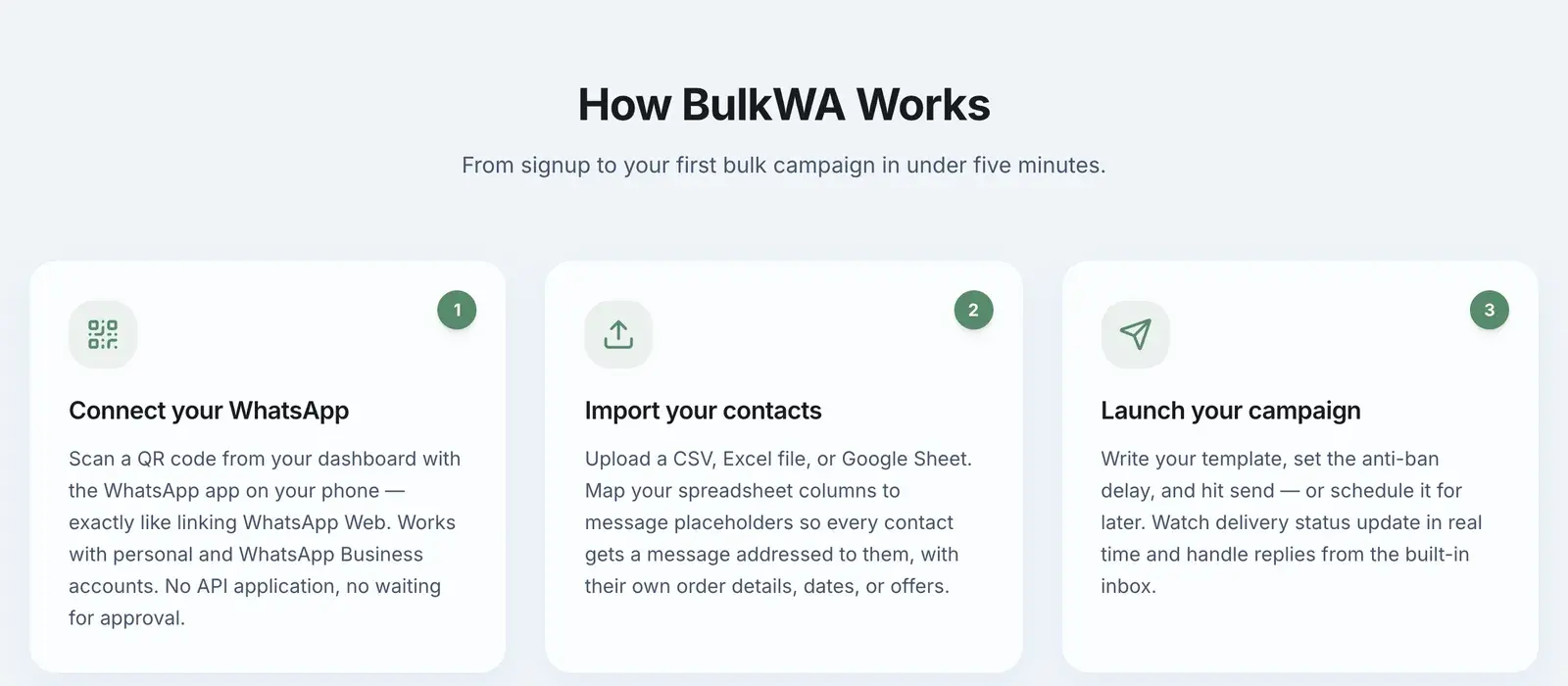
A QR-based bulk sender uses the same linked-devices mechanism as WhatsApp Web. BulkWA keeps that linked session on its servers, so a campaign of 2,000 messages runs in the cloud while your phone sits on a desk or in a drawer. We walk through the pairing itself in how to connect WhatsApp to a bulk sender, and compare desktop approaches in sending bulk WhatsApp from your computer.
Two limits apply to every tool built this way:
- The 14-day rule still applies. The phone that holds the number has to come online periodically, or WhatsApp will log out the sender along with every other linked device.
- Links drop. A WhatsApp update, a network change or a protocol change can interrupt a session. BulkWA retries short drops automatically, waiting longer between each attempt. If WhatsApp logs the session out completely, for example because you removed it under Linked Devices, no tool can reconnect by itself. BulkWA then marks the number disconnected, emails you, shows a banner on every dashboard page, and pauses any campaign using that number. Once you scan the QR again, campaigns paused by the disconnect resume automatically and send only the messages still queued, so nobody gets a duplicate.
What Are the Risks of Bulk Sending From a Linked Session?
Not needing the phone in your hand makes bulk sending convenient, not officially sanctioned. A QR-based sender is an unofficial connection, not the WhatsApp Business API, and the ban risk sits on the number you link. If that is the number your customers already know, read whether to use your personal number first.
What keeps a linked number healthy:
- Opt-in only. Message people who asked to hear from you. Reports from recipients are the fastest route to a restriction.
- Random gaps. BulkWA waits a random 8 to 20 seconds between messages by default, so 500 messages take well over an hour.
- #171c1f] font-semibold">Warm up new numbers. A number that has never sent in volume should start small. During warm-up BulkWA holds the gap at 15 seconds or more and caps daily volume. See the [warm-up guide.
- Personalise. Identical text to hundreds of people looks automated. Use {Name} and a detail that matters to each person.
- Make leaving easy. End with "Reply STOP to stop these messages". BulkWA unsubscribes anyone who replies STOP on every plan.
Our full list is in our anti-ban rules.
Where BulkWA Fits
If you only want to read and reply to chats on a laptop, WhatsApp Web or Desktop does that for free, phone off or not. For one-to-one messages to people who have not saved your number, the free WhatsApp link and QR generator creates click-to-chat links with no account.
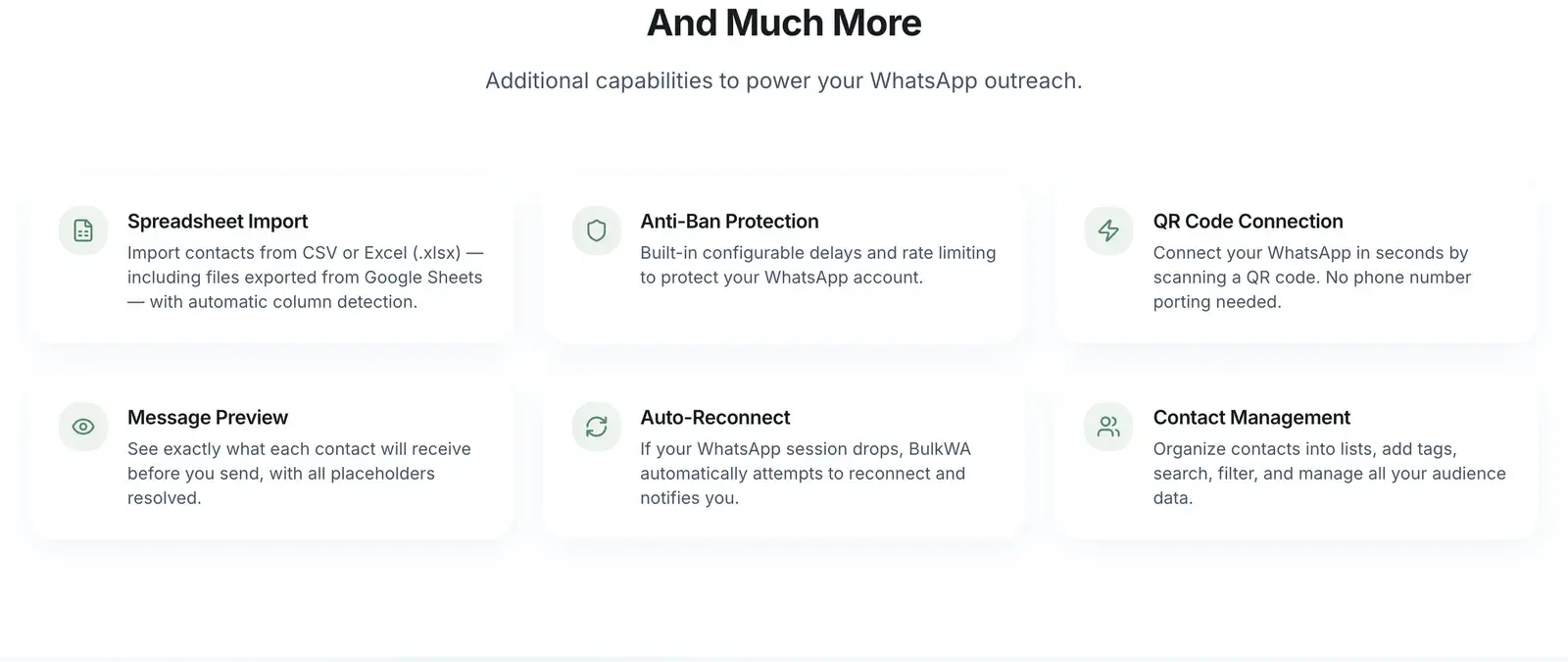
BulkWA fits when you want to send personalised messages to an opted-in list without sitting at your phone. You link the number by QR once, import a CSV or Excel file, and the campaign runs from a cloud dashboard with the safety pacing on by default. You can try a simulated campaign first, or browse the features.
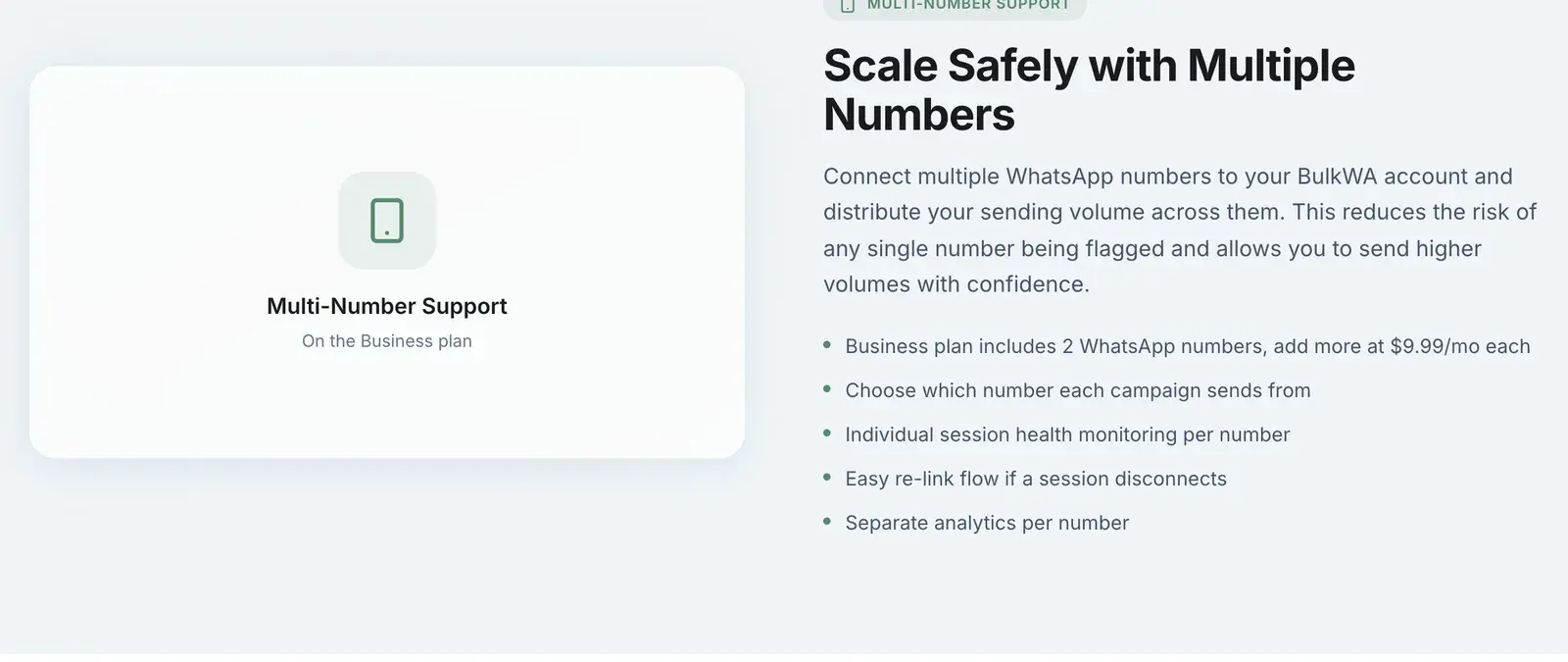
The free plan gives you one number and 50 messages a day, with a "Sent via BulkWA" note on campaign messages. Paid plans on the pricing page start at $9 a month for 1,000 messages, and the Business plan at $99 includes two numbers. You can create a free account without a card.
What we will not claim: that WhatsApp approves this kind of sending. It does not. Keep the phone that holds the number charged and online every few days, send slowly, and message only people who asked to hear from you.
Frequently Asked Questions
Does WhatsApp Web work if my phone is switched off?+
Yes. Since WhatsApp moved to multi-device, a linked WhatsApp Web or Desktop session sends and receives messages on its own, with the phone off, out of battery or without signal. The phone is only needed to create the link by scanning a QR code. If the phone stays inactive for about 14 days, WhatsApp logs the linked devices out and you scan again.
Can I use WhatsApp on a computer without ever having a phone?+
Not really. Every WhatsApp account is tied to a phone number that has to receive a verification SMS or call, and linking WhatsApp Web or Desktop needs a phone running WhatsApp to scan the QR code. A cheap second-hand smartphone or a spare SIM is enough, but some phone has to hold the account and come online now and then.
How many devices can I link to one WhatsApp account?+
WhatsApp currently allows up to four linked devices alongside your main phone. That covers WhatsApp Web in a browser, the Desktop app on Windows or Mac, and, depending on your version, a second phone or tablet linked as a companion. A bulk sender connected by QR also counts as one of the four, and you can see and remove each one under Linked Devices.
Will my bulk campaign keep sending if my phone is off?+
With a cloud-based sender like BulkWA, yes, for as long as the linked session stays valid. The campaign runs on the server, not on your phone. If WhatsApp logs the session out, BulkWA pauses the campaign, shows a banner and emails you; after you scan the QR again, the paused campaign resumes with the messages that had not gone out yet.
Is it safe to leave a bulk sender linked to my WhatsApp all the time?+
The link itself is the same mechanism WhatsApp Web uses and can be removed from your phone in one tap. The risk is in how you send, not in the link. A QR-based sender is unofficial, so a number that sends too fast or to people who never opted in can be restricted. Pace sends, message only opted-in contacts and check Linked Devices occasionally.
Ready to Try BulkWA?
Send bulk WhatsApp messages with personalized templates. Free to start, no credit card required.
Get Started Free