How to Send Bulk WhatsApp Messages from Your Computer
Sending bulk WhatsApp from a PC or Mac: why WhatsApp Web cannot do it, the three approaches that can, and the honest trade-offs of each — including what happens to your number.
Quick answer
You send bulk WhatsApp messages from a computer by pairing your phone's WhatsApp with a web-based bulk tool via QR code — the same mechanism as WhatsApp Web — then uploading a spreadsheet of contacts and a message and letting the tool send from your browser. WhatsApp Web itself cannot do bulk sends, and browser extensions that automate it are the fastest route to a banned number. Your phone only needs to stay connected to the internet.
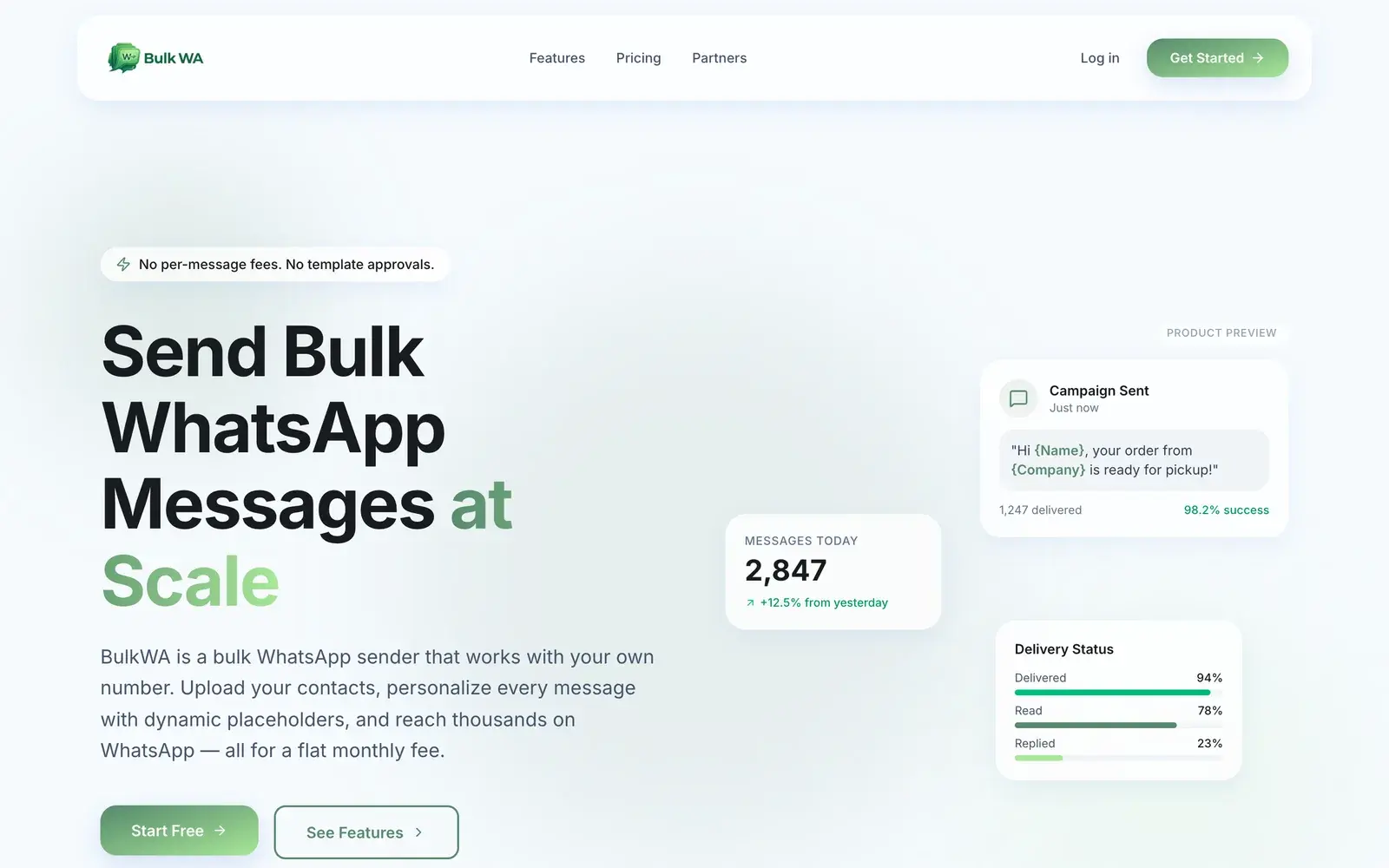
Typing a hundred messages on a phone is not a plan. Sending them from a computer — with a spreadsheet, a keyboard and a report at the end — is. The confusing part is that WhatsApp Web looks like it should do this and does not.
Here are the three ways that actually work from a PC or Mac, in order of how most small businesses end up choosing.
Why WhatsApp Web Cannot Do It
WhatsApp Web is a mirror of your phone. Anything you can do on the phone, you can do in the browser — and nothing more. That includes broadcast lists, with the same two limits: 256 contacts maximum, and delivery only to people who have your number saved. No personalization, no scheduling, no delivery report, and no way to send to a list of numbers you have not individually opened chats with.
So the browser is the right place; WhatsApp Web is the wrong tool.
Option 1: A Web-Based Bulk Sender (Most Small Businesses)
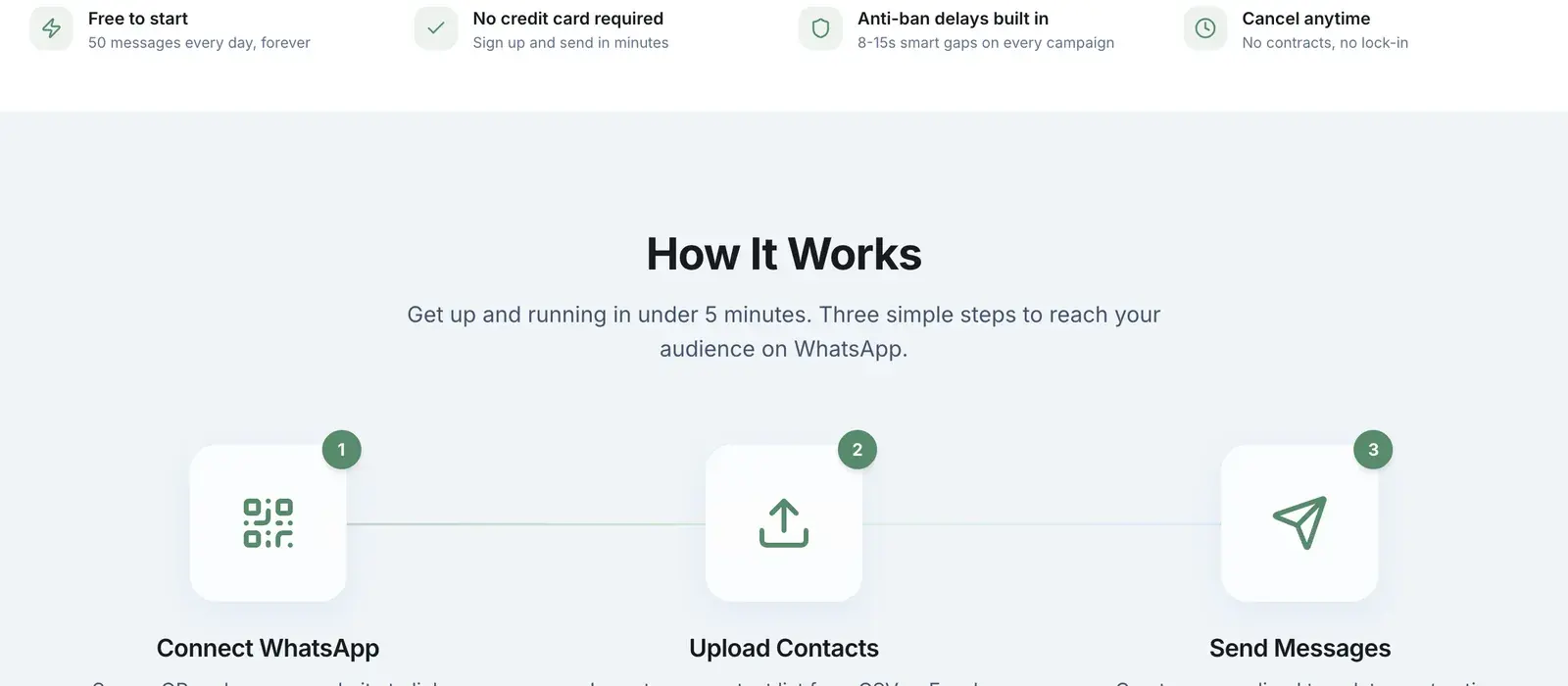
A web-based tool like BulkWA does what WhatsApp Web will not, by pairing with your account the same way — one QR scan from your phone's Linked Devices screen — and then running campaigns from a dashboard:
- Pair once. Scan the QR code shown in the dashboard. Ten seconds.
- Upload contacts. A CSV or Excel file, including Google Sheets exports. Map columns to placeholders.
- Write one message, personalized per recipient with {Name}, {OrderID} or any column.
- Send now or schedule, and watch delivery status update per recipient.
Nothing installs on your computer. The phone needs an internet connection and nothing else — it can sit in a drawer.
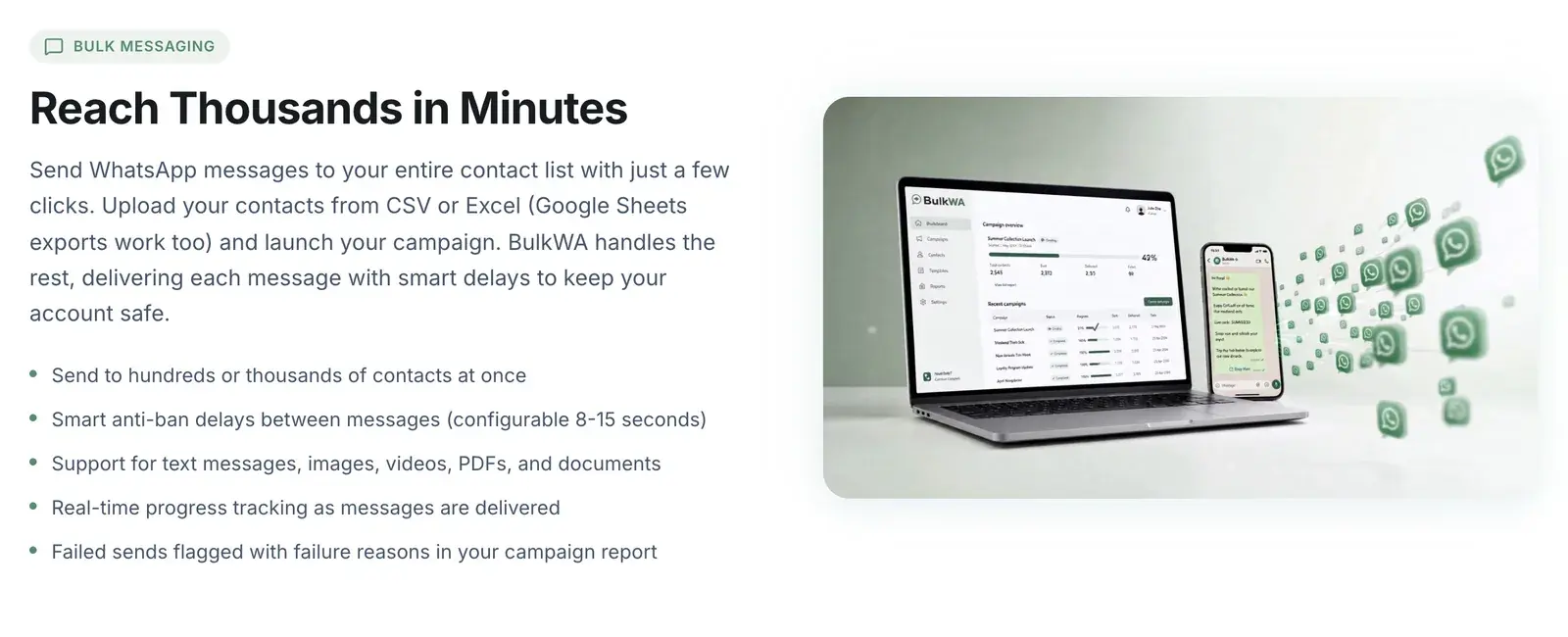
Good: no per-message fees, no business verification, no template approval, your existing number, and a real report afterwards.
The honest trade-off: this is outside WhatsApp's official API, so ban risk exists and sits on your number. BulkWA reduces the known signals — randomized 8–15 second delays, per-recipient personalization, opt-in warm-up for new numbers, automatic STOP handling, live delivery monitoring — but the underlying risk does not reach zero. Pair a number you could afford to lose, and send to people who opted in.
Option 2: The Official WhatsApp Business API (Enterprises)
The API is also driven from a computer — through a provider's dashboard or your own software — and it is the officially sanctioned route. It requires business verification, a dedicated number not registered to any WhatsApp app, pre-approved message templates, and a subscription plus Meta's per-conversation fees. Setup takes days to weeks.
The right choice when you need the green verified badge, multiple agents in a shared inbox, CRM integration, or cannot tolerate any risk to the number. Heavy for a business that wants to message its own list this afternoon.
Option 3: Click-to-Chat Links (A Few Contacts, Zero Risk)
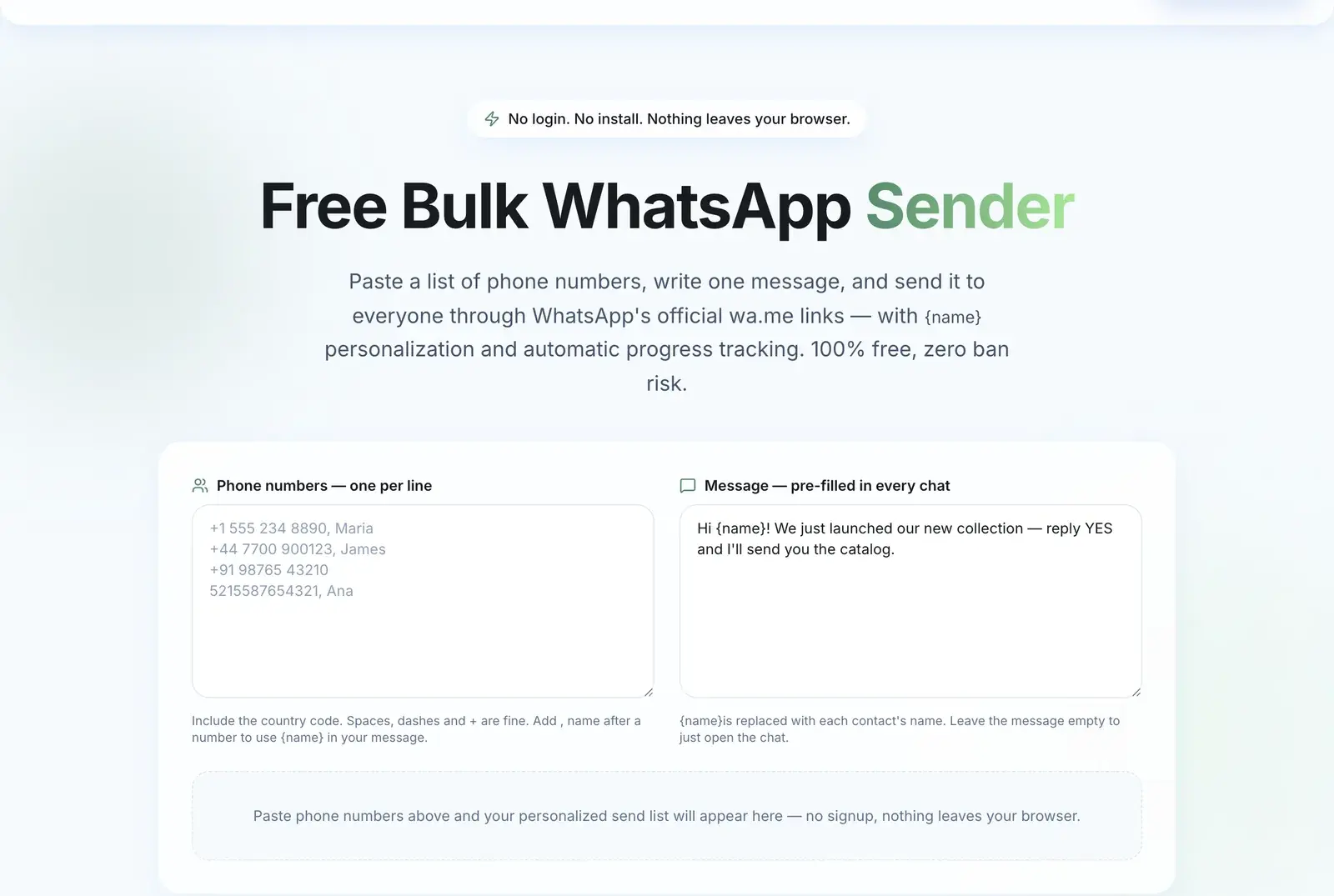
For a handful of people, WhatsApp's own wa.me links work from any computer and carry no ban risk at all: each link opens a chat in WhatsApp Web with your message pre-filled, and you press send. BulkWA's free link tool generates them from a pasted list with {name} personalization and no signup.
It stops being practical somewhere around 30–50 contacts, because you are clicking send on each one. But for that size, it is genuinely the right answer and costs nothing.
What to Avoid
Browser extensions that automate WhatsApp Web. They fire identical messages with no delay — the exact spam fingerprint — and often ask for permission to read everything on the page. Fastest route to a ban, and a privacy problem on top.
Desktop "unlimited sender" downloads. Frequently bundled with malware; crude sending behaviour.
Anything asking for your SMS verification code. That is account theft. Legitimate tools show a QR code.
Where BulkWA Fits
BulkWA is option 1: a browser dashboard that pairs with your phone once and then does the sending. Spreadsheet import with column mapping, personalization on every plan, scheduling and recurring campaigns, a reply inbox, per-recipient delivery reports with failure reasons, and the safety mechanics on by default.
The free plan is 50 messages a day with no card, which is enough to pair your number, upload a small list, and send a real campaign from your computer today — and see whether this is the way you want to work before paying anyone.
Frequently Asked Questions
Can I send bulk messages from WhatsApp Web?+
No. WhatsApp Web mirrors your phone and supports the same 256-contact broadcast lists, which only reach people who have saved your number and offer no personalization or reporting. Bulk sending from a computer needs either a web-based tool that pairs with your account by QR code, the official WhatsApp Business API through a provider, or — for a handful of contacts — WhatsApp's free click-to-chat links.
Does my phone need to be on to send bulk WhatsApp from my computer?+
It needs an internet connection but not your attention. QR-based tools use WhatsApp's linked-device mechanism, which keeps working while the phone is idle in a drawer, and survives roughly two weeks without the phone coming online at all. The computer does the sending; the phone is just the account holder.
Are bulk WhatsApp browser extensions safe to use?+
Generally no. Free Chrome extensions that automate WhatsApp Web tend to fire identical messages back to back with no delay, which is precisely the behaviour WhatsApp's systems detect, and many request permission to read all data on the page — your messages and contacts. The extension is free; the number it gets banned is not.
Do I need to install software to send bulk WhatsApp from a PC?+
Not with a web-based tool. BulkWA runs entirely in the browser: you sign in, pair your phone by QR, upload a spreadsheet and send. There is nothing to install on Windows, Mac or Linux, and nothing that touches your phone beyond the one-time pairing scan.
Ready to Try BulkWA?
Send bulk WhatsApp messages with personalized templates. Free to start, no credit card required.
Get Started Free