How to Personalize Bulk WhatsApp Messages with Names and Order Details
Personalize bulk WhatsApp messages by mapping spreadsheet columns to placeholders like {Name} and {OrderID}. How it works, what to personalize beyond the name, and why it protects your number.
Quick answer
Bulk WhatsApp messages are personalized with placeholders: you write one message containing variables such as {Name}, {Company} or {OrderID}, upload a spreadsheet with a column for each, and the tool substitutes the right value for every recipient. Any column in your spreadsheet can become a placeholder, and a good tool previews the exact text each person will receive before you send.
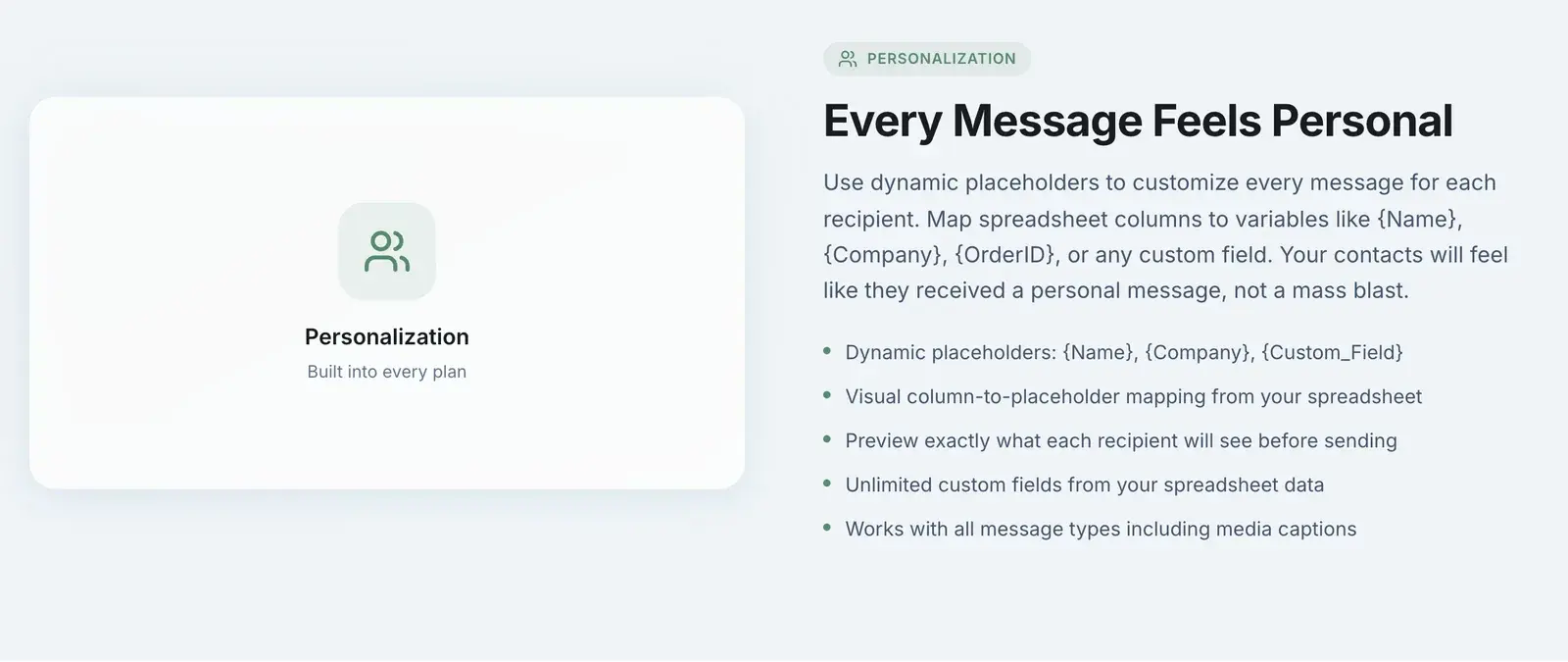
"Hi {Name}" is where most people start with personalization, and it is fine — but it is the least interesting thing placeholders can do. The real value shows up when a message references something only that recipient would recognise: their order number, their appointment time, the specific product they asked about. That is the difference between a message that gets a reply and one that gets ignored.
Here is how it works mechanically, what to personalize, and why it matters more than it looks.
How Placeholders Work
The mechanism is the same as a mail merge:
- Your contact list is a spreadsheet — CSV or Excel, including Google Sheets exports — with one row per person and one column per piece of information: phone, name, company, order ID, whatever you have.
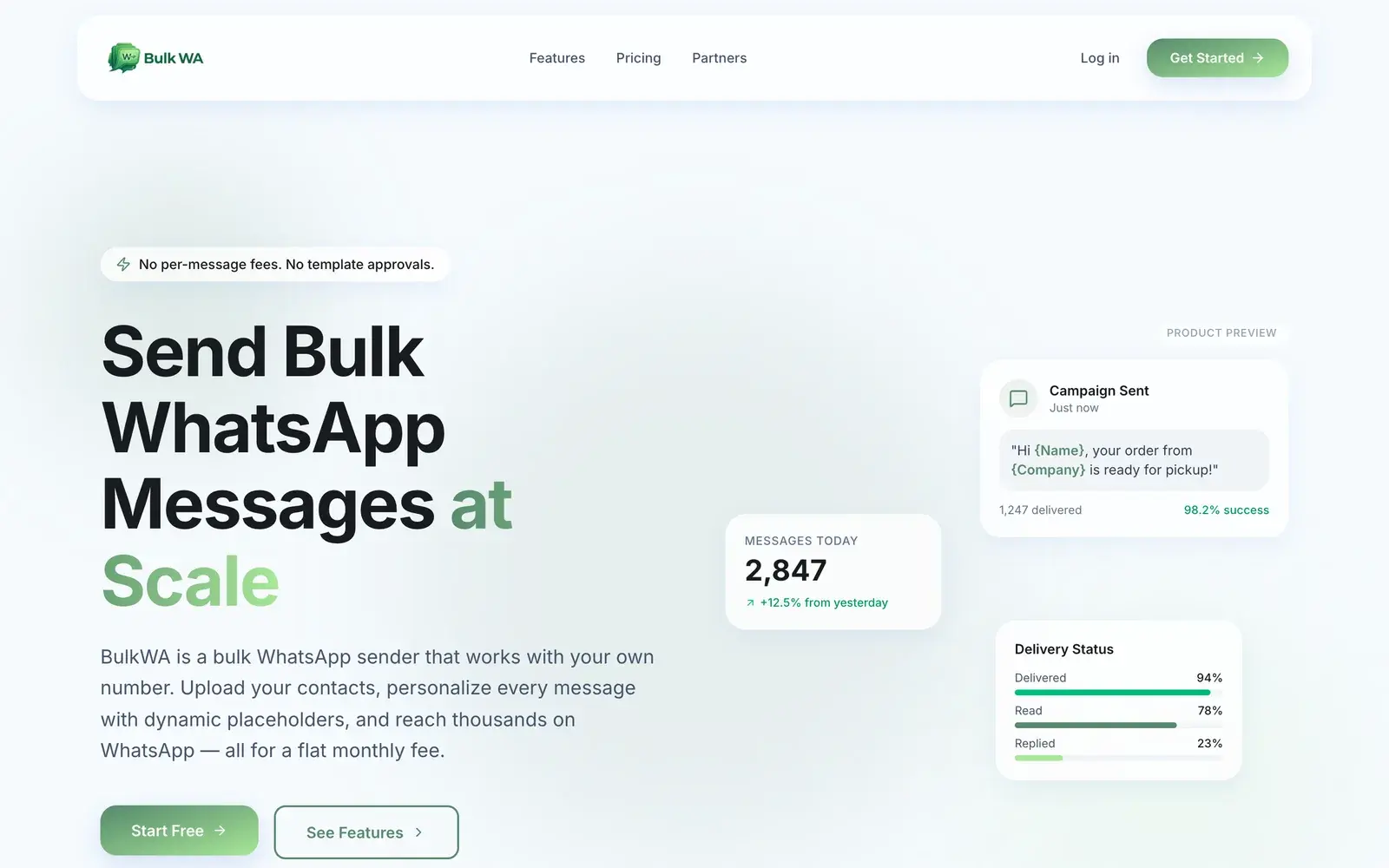
- You write one message with placeholders where the personal details go. On BulkWA a placeholder is the column name in curly braces: {Name}, {Company}, {OrderID}.
- When you upload the file, you map columns to placeholders. BulkWA detects columns automatically and lets you confirm which one feeds which variable.
- At send time, each recipient gets their own version, with their values substituted in.
The important consequence: any column can be a placeholder. You are not limited to a fixed list of "name, email, phone". If your spreadsheet has a column called Pickup_Time, then {Pickup_Time} works in the message.
What to Personalize (Beyond the Name)
Ranked by how much they change results:
Something they did. "Your order #{OrderID} has shipped." "Your appointment on {Date} at {Time} is confirmed." "The {Product} you asked about is back in stock." These get read because they are information the person wants.
Something about their situation. "{Name}, your membership renews on {RenewalDate}." A customer who sees their own renewal date knows the message is really for them.
A choice they made. "Since you picked up {LastPurchase} last month, you might like..." Referencing real history is what makes a promotional message feel like a recommendation.
Their name. Still worth doing. Just do not stop here.
What not to personalize: anything you are guessing at, and anything you would be embarrassed to be wrong about. A wrong name is worse than no name.
The Preview Step Is Not Optional
Before sending any personalized campaign, look at the rendered message for several actual recipients, not just the template.
The failures you are looking for:
- A blank where the data was missing. "Hi , your order is ready."
- The raw placeholder leaking through. "Hi {Name}," is the single most recognisable sign of a careless bulk sender, and recipients read it as spam instantly.
- Formatting from the spreadsheet. Names in ALL CAPS, trailing spaces, a phone number where a name should be because two columns were mapped backwards.
- Data that does not match the sentence. A date column exported as 45932 instead of 12 March.
BulkWA shows exactly what each recipient will see before you send. Use it on the first few rows and on a couple of random rows further down the list — the top of a spreadsheet is usually cleaner than the middle.
Why This Also Protects Your Number
There is a second reason personalization matters, and it has nothing to do with engagement.
WhatsApp's automated systems watch for messages that are identical across many recipients. Two hundred byte-for-byte identical messages sent to two hundred numbers in a short window is the textbook fingerprint of a spam tool. Two hundred messages that each differ — by name, by order number, by timing — look like two hundred conversations.
That is why BulkWA includes personalization on every plan, including the free one. It is not a feature we could reasonably charge extra for, because leaving it out would make the free plan actively dangerous to use. Combined with randomized delays between sends, personalization is the bulk of what keeps a campaign from looking like a campaign.
A Simple Template That Works
If you want a starting point:
Hi {Name} — {Company} here. Your order #{OrderID} is ready for pickup at {Location}. We're open until {ClosingTime} today. Reply STOP if you'd rather not get updates here.
Every placeholder is a real column. The message tells them something they wanted to know. The opt-out is explicit. That template will outperform "Hi {Name}, check out our latest deals!" on every metric, and it will look nothing like spam to anyone — human or algorithm.
Where BulkWA Fits
Personalization on BulkWA is built into the campaign composer rather than bolted on. Placeholders map from whatever columns your spreadsheet has, the preview shows the rendered message per recipient, and the same placeholders work in media captions, so a product photo can carry a personalized line too. It is included on the free plan (50 messages a day, no card) because sending un-personalized bulk messages is a risk we would rather not enable.
If you already have a clean customer spreadsheet, upload it, map the columns, and send yourself a preview. You will see in about two minutes whether your data is ready for a real campaign.
Frequently Asked Questions
How do I add a name to a bulk WhatsApp message?+
Write the message with a placeholder where the name should appear — on BulkWA that is {Name} — and make sure your contact spreadsheet has a column containing each person's name. When you upload the file you map that column to the placeholder, and every recipient receives the message with their own name substituted in. The same works for any other column: {Company}, {OrderID}, {AppointmentTime}, or a custom field you invented.
Can I personalize more than the name?+
Yes, and you should. Any column in your spreadsheet can be a placeholder, so order numbers, appointment times, product names, city, account balance, or a custom offer code all work. Messages that reference something specific to the recipient — 'your order #1042' rather than just 'Hi Sarah' — get more replies and look far less like a mass blast.
What happens if a contact is missing the data for a placeholder?+
It depends on the tool. The safe behaviours are either to substitute a fallback you define (such as 'there' in place of a missing name) or to flag the row before sending so you can fix it. Watch out for tools that silently send the raw placeholder — a message that opens 'Hi {Name},' does more damage than no personalization at all. Preview a sample of recipients before every campaign.
Does personalization reduce the risk of getting banned?+
Yes, materially. Hundreds of byte-identical messages sent to different numbers is one of the clearest automation signals WhatsApp's systems look for. When every message differs by name, order details or timing, the campaign reads as individual conversations. Personalization is a safety measure as much as a courtesy — which is why BulkWA includes it on every plan rather than reserving it for paid tiers.
Ready to Try BulkWA?
Send bulk WhatsApp messages with personalized templates. Free to start, no credit card required.
Get Started Free