How to Build a WhatsApp Opt-In List That Does Not Get You Banned
Where WhatsApp subscribers actually come from, what counts as valid consent, the collection methods that work, and why an opted-in list is the single biggest factor in whether your number survives.
Quick answer
A valid WhatsApp opt-in is an affirmative action, taken knowingly, for WhatsApp messages specifically: an unticked box the person ticked, an inbound message, a QR code scanned with a stated purpose. A number you happen to have, a pre-ticked box, or consent for order updates reused for promotions does not count. The opted-in list is the single biggest factor in whether your number survives, because WhatsApp bans on recipient reaction, not volume.
Short answer: a valid opt-in is an affirmative action, taken knowingly, for WhatsApp specifically. A ticked checkbox they ticked themselves, an inbound message, a scanned QR code. Not a number you happen to have, not a pre-ticked box, and not consent for something else that you are reusing.
This is the least glamorous article we publish and the most important one. Almost every banned number traces back to a list problem, not a tool problem.
Why This Is the Whole Game
WhatsApp does not ban you for volume. It bans you for the reaction your messages produce.
Two businesses send 300 messages each on the same day with the same tool. One sends to people who opted in at checkout last month; recipients read them, some reply, nobody reports. The other sends to a purchased list; forty people block, six report. The first account is fine. The second is restricted by evening.
Same tool, same volume, same message. The list is the difference.
Everything in this article is downstream of that.
What Counts as Consent
Consent must be an affirmative action, taken knowingly, for WhatsApp messages specifically.
Valid:
- Ticking a checkbox that was not pre-ticked
- Sending you a WhatsApp message first
- Scanning a QR code that clearly says what they are signing up for
- Replying with a keyword to join
- Filling in a form whose label says "WhatsApp updates"
Not valid, however common:
- Having their number because they bought something
- A pre-ticked box
- Consent inside terms and conditions nobody read
- A purchased, rented, or scraped list
- Numbers from a WhatsApp group you were both in
- Numbers a colleague "had from before"
- Consent given for order updates, reused for promotions
That last one deserves emphasis because careful businesses still get it wrong. Consent is purpose-bound. Agreeing to delivery notifications is not agreeing to your seasonal sale.
Where Subscribers Actually Come From
Ranked by quality of the resulting list.
1. Inbound Messages (Best)
Someone messages you first. Consent is unambiguous, they clearly want contact, and engagement is high.
How to generate these:
- A wa.me link as a "Chat with us on WhatsApp" button on your site
- A QR code on packaging, receipts, table tents, shop windows, business cards
- WhatsApp as the contact method in your email signature and social bios
Send them somewhere with a pre-filled message and they arrive already in a conversation.
2. Checkout and Form Checkboxes
An unticked box at checkout or on a signup form, with clear wording:
☐ Send me order updates and occasional offers on WhatsApp
Two rules: unticked by default, and specific about WhatsApp. "Contact me about offers" does not authorise this channel.
Record the timestamp when the box is ticked. That record is what you produce if anyone ever asks.
3. QR Codes in the Physical World
Under-used and excellent for offline businesses. A QR that opens WhatsApp with pre-filled text — "Add me to your WhatsApp list" — is a clean, documented opt-in and takes one scan.
Put them where people are already waiting: receipts, packaging inserts, menus, the counter, delivery notes.
4. Keyword Campaigns
Ask people on channels you already own — email list, Instagram, in-store signage — to message a keyword. "WhatsApp JOIN to +44 7700 900123 for early access to sales."
The inbound message is the consent. Clean, and it filters for people who actually want it.
5. Re-Permission Campaigns
If you have existing customer numbers without WhatsApp-specific consent, the honest way to use them is to ask once.
Send a single message explaining who you are, what you would send, and how to opt in or out. Some jurisdictions permit this as a service message where you have an existing relationship; some do not. Check your local rules, keep it to one message, and honour every non-response as a no.
You will convert a fraction of your list. That fraction is worth more than the whole of it was.
Make the Offer Worth Something
Nobody opts into "marketing updates". They opt into a benefit:
- Early access to sales, before email
- Order and delivery updates in real time
- Appointment reminders
- Exclusive WhatsApp-only offers
- A useful thing — a guide, a size chart, a booking link
Be specific about frequency too. "About two messages a month" converts better than vague promises and sets an expectation you can keep.
Keep the Consent Record
For each contact, store:
- When they opted in (timestamp)
- How (checkout, QR, form, inbound message)
- What they were told they would receive
- When they opted out, if they did
This feels like overhead until the first complaint. Then it is the difference between a resolved question and an enforcement action.
Practically: keep the source and date as fields on your contact list. BulkWA's contact import supports custom fields, so an opt-in source and date column can travel with the number rather than living in someone's memory.
Opt-Out Has to Actually Work
Every regulation with electronic marketing rules requires a functioning opt-out, and it protects your sender reputation as much as your legal position.
- Mention it plainly: "Reply STOP to unsubscribe."
- Process it immediately and permanently.
- Make sure a later CSV import cannot resurrect someone who opted out.
That last point causes more accidental violations than anything else. Someone opts out, then reappears in a fresh export from your CRM, then gets messaged again — and this time they report rather than block. BulkWA suppresses STOP replies automatically across campaigns, so an opt-out survives your next import.
Cleaning the List
An opted-in list still decays. Every few months:
- Remove numbers that consistently fail to deliver — many are disconnected
- Remove people who have not engaged across many campaigns
- Remove anything you cannot trace to a consent record
- Re-validate that numbers are still registered on WhatsApp
A smaller engaged list outperforms a larger stale one on every metric that matters, and it produces dramatically fewer ban signals.
Growth Rates to Expect
Honest numbers, so you can tell healthy from broken:
A business with steady foot traffic or web traffic and a visible opt-in path typically adds subscribers steadily but not explosively. WhatsApp lists grow slower than email lists — the commitment feels higher, because it is more personal.
That is the trade. Smaller list, far higher engagement. WhatsApp open rates are dramatically higher than email, and reply rates are not comparable at all.
If your list is growing very fast without a corresponding jump in traffic, check where the numbers are coming from. Suspiciously fast growth usually means someone imported something they should not have.
Our Recommendation
Build the list from people who asked, keep a source and a date on every row, and honour every STOP forever. BulkWA helps with the mechanics — custom fields so consent data travels with the contact, automatic STOP suppression that survives your next spreadsheet import, and a reply inbox that turns inbound messages (the best opt-in there is) into contacts — but it cannot manufacture consent. A small opted-in list on the free plan will outperform a large purchased one on every metric, and it will still be sending next year.
The Bottom Line
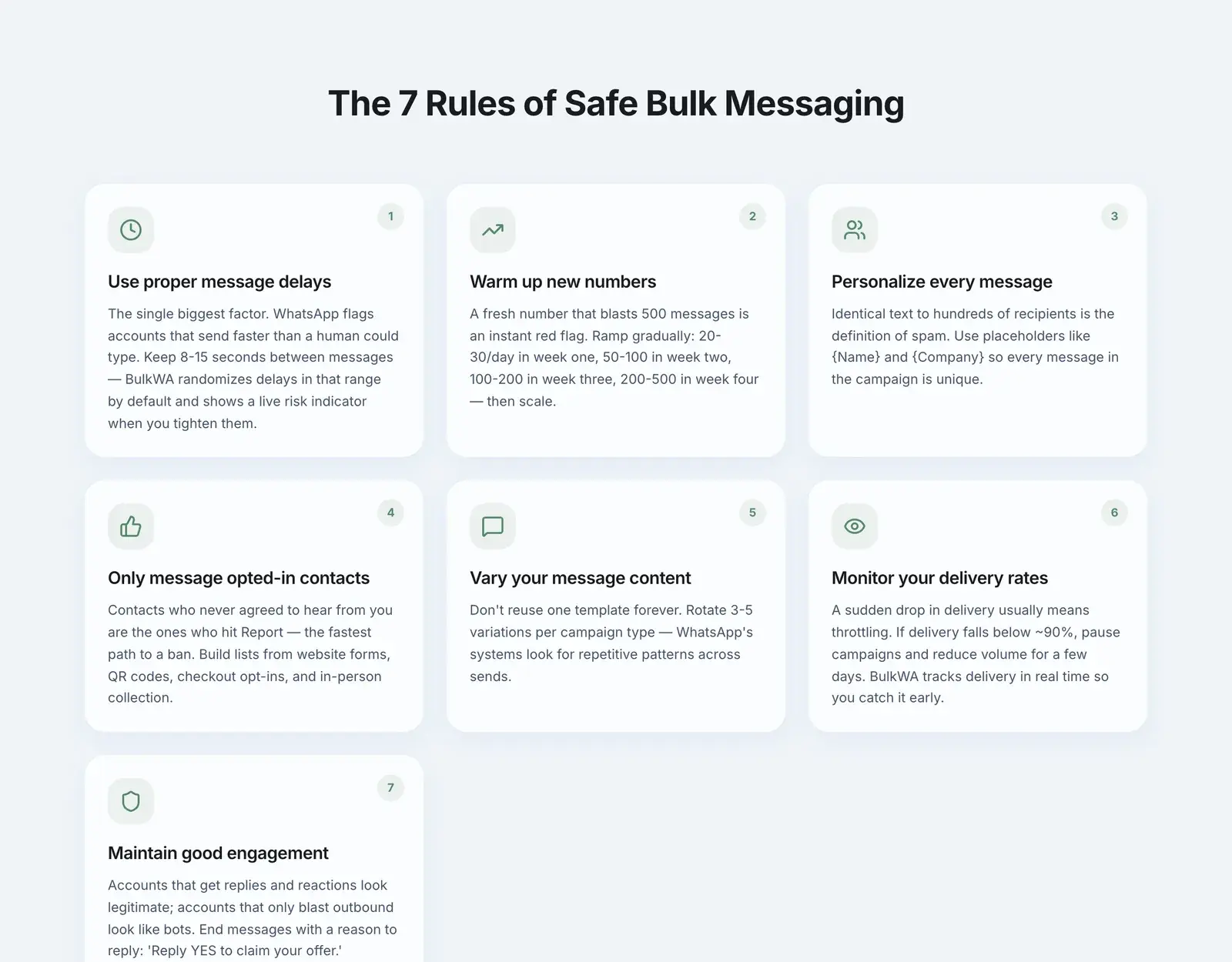
You cannot tool your way out of a bad list. Randomized delays, personalization, and warm-up all reduce ban signals — BulkWA does all three — but they are damage limitation on top of whatever your list quality already is.
Build the list slowly, from people who asked. It is the least exciting advice in WhatsApp marketing and the only one that determines whether you still have a number next year.
Frequently Asked Questions
What counts as a valid WhatsApp opt-in?+
A valid opt-in is an affirmative action by the person, taken knowingly, for WhatsApp messages specifically. Ticking an unticked checkbox, sending you a message first, scanning a QR code with a stated purpose, or replying with a keyword all qualify. Having their number from a purchase, a pre-ticked box, or consent buried in terms and conditions does not qualify.
How do I collect WhatsApp opt-ins?+
The methods that work best are an unticked checkbox at checkout or on a form, a QR code on packaging, receipts or in-store signage that opens a pre-filled WhatsApp message, a website chat button, and a keyword reply campaign on channels you already own. Each one produces a documented moment of consent you can point to later.
Can I import my existing customer phone numbers into WhatsApp marketing?+
Only if those customers agreed to WhatsApp messages specifically. Consent is purpose-bound: someone who gave you a number for delivery updates has not consented to promotional campaigns. The safer path is to run a re-permission campaign asking them to opt in, or to use non-promotional utility messages where you have a legitimate basis, depending on your jurisdiction.
Why does an opted-in list reduce my ban risk?+
Because WhatsApp's ban decisions are driven mainly by how recipients react. People who asked to hear from you rarely block or report, and often reply — which reads as healthy two-way conversation. People who never opted in block and report at high rates, and that is the strongest single signal that triggers restrictions and bans.
Ready to Try BulkWA?
Send bulk WhatsApp messages with personalized templates. Free to start, no credit card required.
Get Started Free