How to Manage Replies to a Bulk WhatsApp Campaign at Scale
Send 500 WhatsApp messages and 60 people reply at once. How to handle campaign replies from a dashboard inbox instead of a phone, what to automate, and how to keep every conversation's history.
Quick answer
Replies to a bulk WhatsApp campaign are best handled from a dashboard inbox on a computer rather than on the phone: the tool captures every reply on your connected number, shows it with the full thread and the campaign that prompted it, and lets you answer from the keyboard. On BulkWA the reply inbox is included from the Starter plan, and a keyword auto-reply bot on Pro and Business handles the routine questions before they reach you.
The first time a campaign works, it creates a new problem. You send 500 messages, 60 people reply within the hour, and your phone becomes unusable — new chats stacked on personal conversations, no way to tell who is replying to what, and the ones you miss are the ones who would have bought.
The fix is not to send fewer messages. It is to stop handling replies on a phone.
Why a Phone Is the Wrong Tool for This
WhatsApp on a phone is designed for one person having conversations. It has no concept of "these 60 chats are responses to Tuesday's campaign". It cannot tag, filter, or sort by anything but recency. Typing on it is slow. And your personal messages are mixed in.
At 10 replies this is fine. At 60 it is a bad afternoon. At 200 you start missing sales.
What a Reply Inbox Does Differently
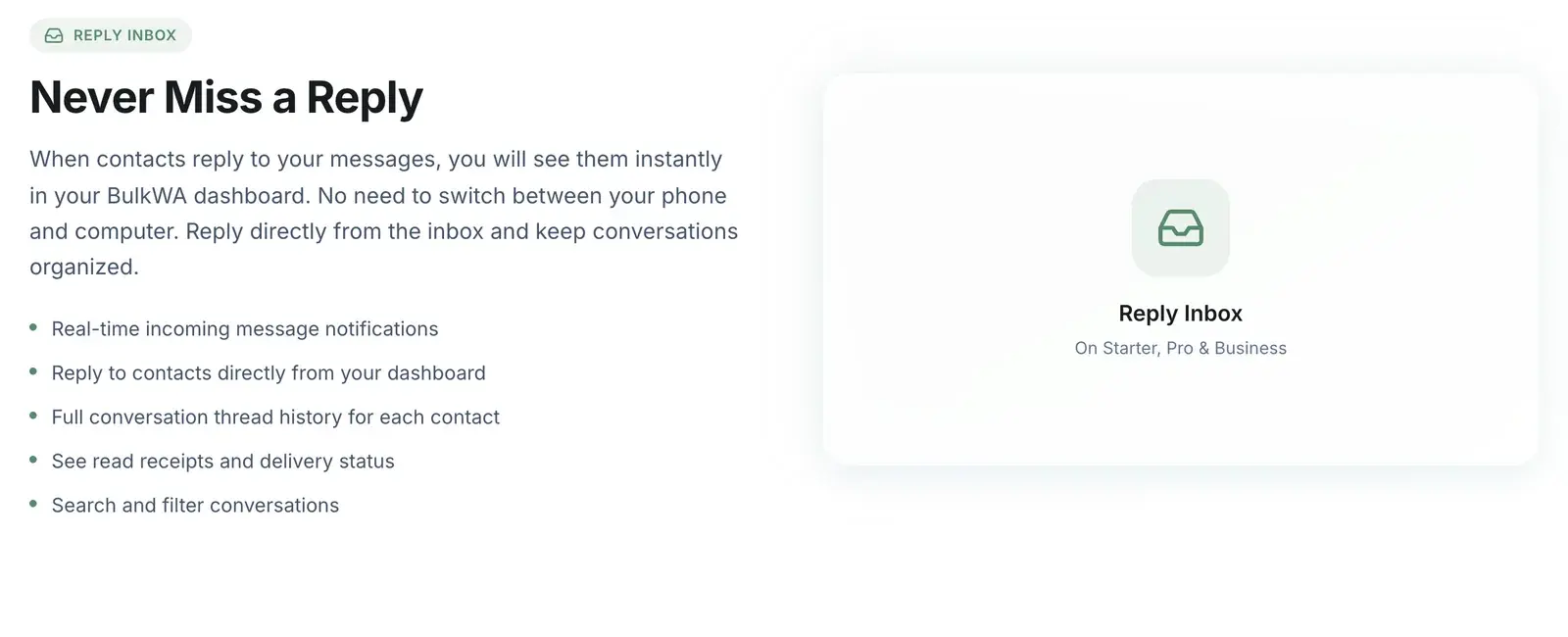
A campaign tool's inbox captures the same replies — they still arrive on your number, and still show on your phone — but presents them the way the work actually needs to be done:
- Each reply is linked to the campaign it answered. "Show me everyone who replied to Tuesday's offer" is a filter, not a scroll.
- The full thread is there. What you sent them, when, what they said before. The context a phone forces you to reconstruct.
- You type on a keyboard. From the dashboard, and the reply goes out on your connected number like any WhatsApp message.
- Search and filter by contact, campaign, tag, or unread.
- Read receipts and delivery status inline, so you know if your reply landed.
On BulkWA the inbox is included from the Starter plan and works alongside your phone rather than replacing it — because the tool is a linked device, both see the same conversations.
Set Up Before the Campaign, Not After
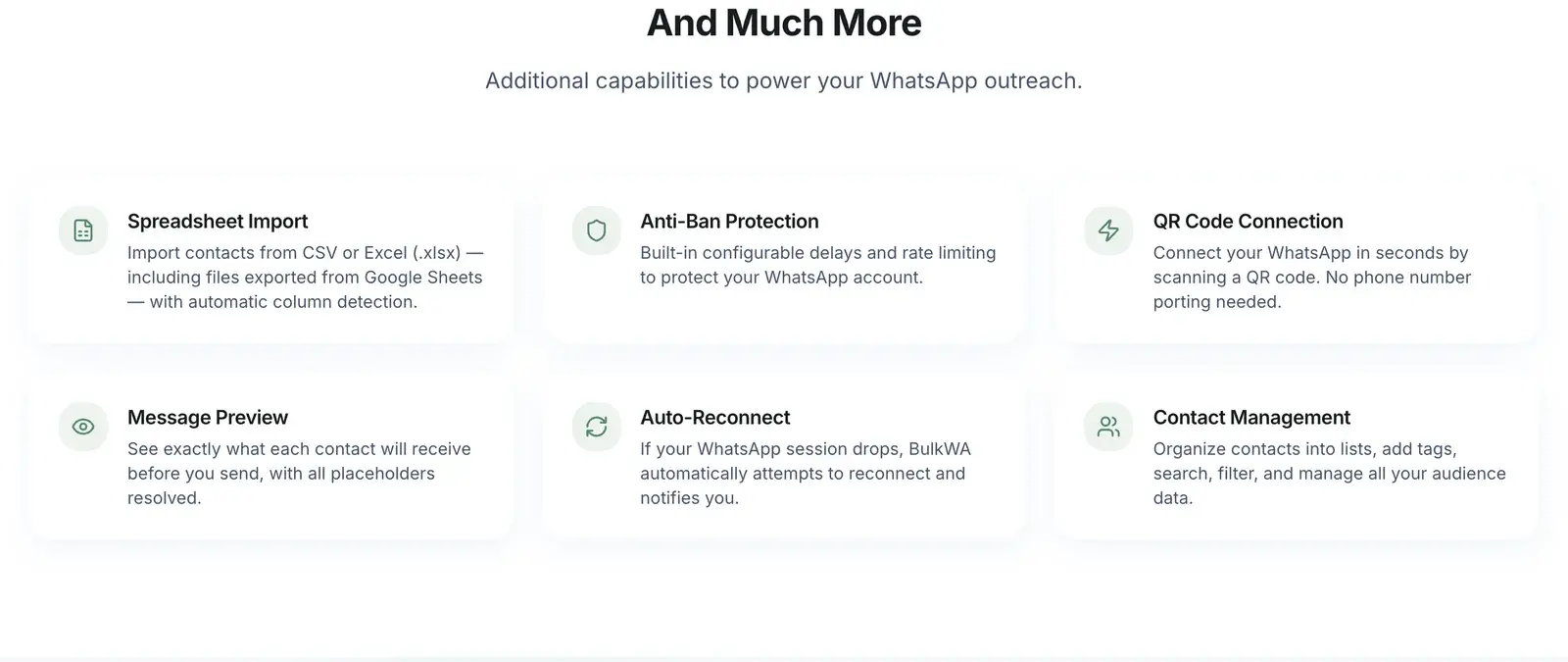
Three things to do before you press send, because they are impossible to do at reply number 40:
1. Automate the routine questions. Most replies to a campaign are variations of the same few things: how much, when, where, and please stop. A keyword auto-reply bot answers those instantly, so what reaches you is the replies that need a person. STOP handling in particular must be automatic — a person who opts out and gets another message reports rather than blocks.
2. Decide your tags. YES / MAYBE / NO / QUESTION / COMPLAINT — whatever fits the campaign. Tagging as you go turns replies into a segmented list you can act on: the YES tag becomes the audience for the next message, the QUESTION tag becomes the list to call.
3. Set an expectation in the message. "We'll reply within the hour" or "someone will confirm by end of day" stops the second and third "did you get this?" messages from the same person and makes a two-hour reply feel fine instead of late.
Working the Inbox
A rhythm that holds up at volume:
- Triage first, answer second. Skim everything, tag it, then work by tag: sales first, questions second, everything else after.
- Reply to YES immediately. The people who said yes are converting right now; every hour they wait is a chance to change their mind.
- Use saved replies for the repeated ones, personalized with a name and one specific detail. A reply that is 90% template and 10% specific reads as personal.
- Close the loop. A short "thanks, all sorted" ends the thread; silence leaves the person wondering and often messaging again.
Keep the History
The value of an inbox compounds. Six months in, a customer messages and you can see every campaign they received, every reply they sent, and every answer you gave — on one screen. That is context a phone cannot give you and a spreadsheet cannot keep up with.
BulkWA keeps message history per contact, so opening anyone shows their full relationship with you rather than just the current chat.
Where BulkWA Fits
The reply inbox is on every paid BulkWA plan from Starter up: campaign-linked replies, full threads, keyboard replies from the dashboard, search, filter, tags, and read receipts. The keyword auto-reply bot on Pro and Business takes the routine questions off your plate before they arrive, and STOP opt-out suppression is automatic on every plan including Free.
If you have been running campaigns from a phone and dreading the replies, that dread is the tool, not the campaign. Send the next one from a dashboard and work the inbox from a keyboard. It is a different job.
Frequently Asked Questions
Where do replies to a bulk WhatsApp campaign go?+
They arrive on the WhatsApp number that sent the campaign, exactly like any other message. On a phone that means dozens of new chats interleaved with your personal conversations. A bulk tool with a reply inbox captures the same replies on your connected number and shows them in a dashboard, with each reply linked to the campaign that prompted it and the full history of that contact.
Can I reply to WhatsApp messages from my computer?+
Yes. WhatsApp Web does it for ordinary chats, and a bulk tool's inbox does it for campaign replies with more context: which campaign the person is responding to, their previous messages, and their contact details. BulkWA's inbox lets you type replies from the dashboard, and they go out on your connected number as normal WhatsApp messages.
How do I handle many replies at once?+
Three layers: automate the routine questions with keyword auto-replies, tag replies as they come in so you can filter by what people said, and work through the rest from a keyboard rather than a phone. Setting an expectation in the campaign itself — 'we'll reply within the hour' — buys you time and reduces repeat messages from people wondering if you saw them.
Does a reply inbox replace WhatsApp on my phone?+
No, it runs alongside it. Because the tool is a linked device, the same conversations remain on your phone, and anything you send from the dashboard appears there too. The inbox is a better place to work through campaign replies at volume; the phone still has everything if you are away from a computer.
Ready to Try BulkWA?
Send bulk WhatsApp messages with personalized templates. Free to start, no credit card required.
Get Started Free