How a School Can Message All Parents on WhatsApp at Once
TL;DR
To message every parent at once, a school puts all parent numbers into one spreadsheet with columns for parent name, child name and class, then sends from the school's WhatsApp number with a bulk sender. Each parent gets an individual, personalised chat. Sending is paced, so 600 parents takes over two hours, not seconds.
Ask a school office how parent messages go out today and the answer is rarely one system: class groups run from teachers' own phones, an old broadcast list, a newsletter half the parents never open, and a letter crumpled at the bottom of a bag.
The goal is simple: one message, to every parent, from the school, today. How you get there depends on how many families you have and whether each should get the same words.
What Are the Ways to Reach Every Parent on WhatsApp?
| Option | Who receives it | Personalised | Cost |
|---|---|---|---|
| Class WhatsApp groups | Group members only | No | Free |
| Broadcast list | Up to 256 who saved the school number | No | Free |
| Community announcement group | Parents who joined the Community | No | Free |
| Bulk sender from the school number | Everyone on your parent spreadsheet | Yes | Free plan, then from $9 a month |
Class groups work for the class itself. As a whole-school channel they fall apart: every class has a different admin, the notice is buried under 60 replies of "thank you", and every parent's number is visible to the group.
Broadcast lists fix the privacy problem but have a silent failure: a parent who never saved the school's number never receives the message. You can reduce that by printing a link from the free WhatsApp link & QR generator on the newsletter or the enrollment pack, so parents open a chat with the school and save it. We explain the delivery gap in why a broadcast does not reach everyone.
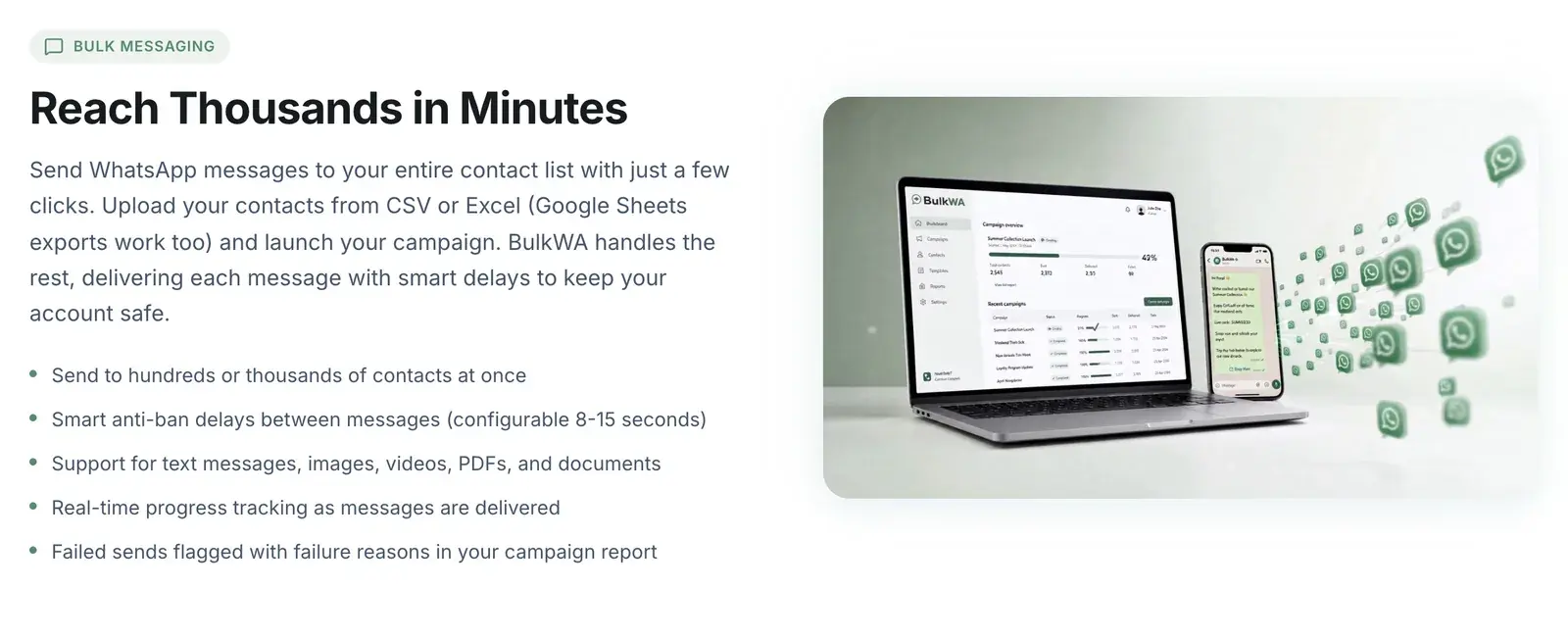
A bulk sender such as BulkWA pairs with the school's own WhatsApp number by QR code, the same way WhatsApp Web does, and sends each parent an individual chat from a spreadsheet you import. Parents do not need to have saved the number.
Step 1: Build One Parent Spreadsheet
Export the admissions records to CSV or Excel, one row per phone number:
- Phone: with country code, one number per row
- ParentName: how the parent wants to be addressed
- ChildName: the pupil's first name
- Class: such as 3B or Grade 7
- Language: if families read in different languages
Where both parents want messages, give each number its own row with the same child and class. For families with several children, decide in advance whether whole-school notices go once per family, so nobody gets three copies.
Consent belongs in the enrollment form, not in the first message. One line covers it: the school will send notices, reminders and closures on WhatsApp to the numbers below, and parents can reply STOP at any time. Our guide to building an opt-in list has wording you can adapt.
If the parent lists only exist as class groups, BulkWA's group import (paid plans) reads up to 5 groups at a time, up to 5,000 participants per import, and exports them as CSV. You will still need to add child names and classes yourself.
Step 2: Write Once, Personalise for Every Family
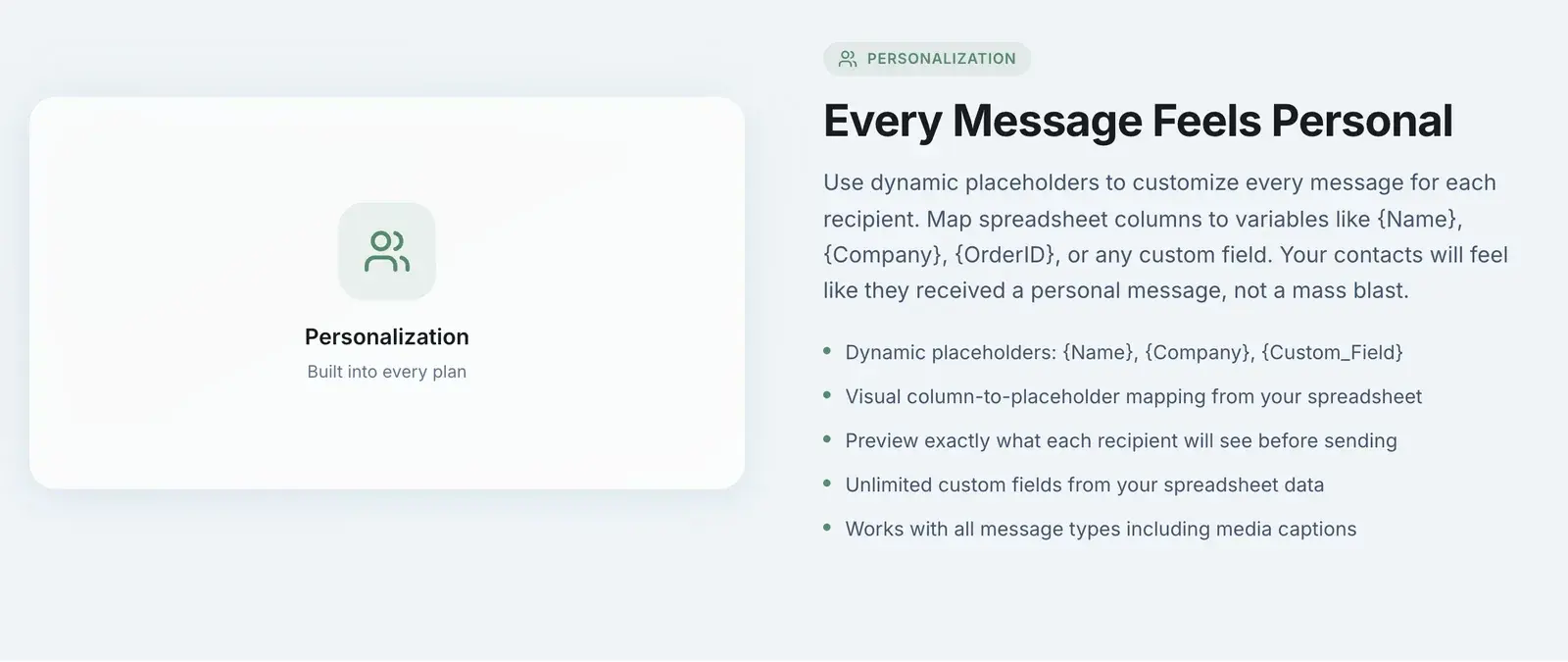
Every column in your file becomes a placeholder. "Dear {ParentName}, {ChildName}'s class {Class} trip to the science museum is on Thursday" reads like a note from the class teacher, yet it went to 400 families in one campaign. Filter the file by the Class column and the same text becomes a per-class message.
The free WhatsApp message templates include a Schools & courses set to start from. Messages that suit bulk sending:
- Fee reminders: amount and due date in their own columns, sent only to families who owe
- Absence notices: a daily export of absent pupils, so each parent hears about their own child only
- Trips and events: date, cost, what to bring
- #171c1f] font-semibold">Newsletters and permission forms: attach the PDF (media is on Starter and above), see [sending images and PDFs
- Term dates and closures planned in advance: scheduled for the right morning
Send each language as its own campaign. A notice in two languages stacked in one message is long enough that parents stop reading.
What never goes in a bulk send: grades, health information, special needs details, safeguarding or discipline matters. One misaligned row puts a child's personal data on another family's phone. Send "reports are ready in the parent portal", not the report.
Can WhatsApp Handle a School Emergency?
Not on its own. BulkWA waits a random 8 to 20 seconds between messages, about 14 seconds on average. That is 300 parents in a little over an hour and 600 parents in about two hours and twenty minutes. The pacing is what keeps the school number from being flagged as spam.
For a snow day announced the evening before, that is fine. For a lockdown or an early closure at 11am, the last parent hears more than two hours after the first. Use every channel at once: SMS or your school alert system, email, the website, and WhatsApp as one of them. Scheduling (Starter and above) is the better fit for closures you know about in advance.
Teacher's Phone or a School Number?
Use a school number. When teachers message parents from personal phones, the history leaves with the teacher, the teacher gets messages at 10pm, and the school cannot see what was promised. A dedicated school phone, paired with the bulk sender, keeps every conversation with the institution. On the Business plan you can pair 2 numbers, for example primary and secondary offices, and add more at $9.99 a month each.
What Happens When Parents Reply?
They will: "Is it full uniform on Friday?", "He has a dentist appointment", "Which form do I sign?". On Starter and above, replies land in the reply inbox with each parent's full conversation and the per-message delivered and read status. On Pro, the auto-reply bot can answer common keywords such as FEES or TERM DATES, and follow-ups can send a reminder a set number of days later to parents who have not replied. Any parent who replies STOP is opted out automatically on every plan.
How Much Does It Cost by School Size?
Plans follow messages per month, not pupils. Count numbers on your list (both parents count twice), multiply by messages per month, and compare with pricing:
| School | Numbers on list | Messages per month | Total | Plan |
|---|---|---|---|---|
| Nursery, 40 families | 40 | 4 | 160 | Free, 50 a day with a "Sent via BulkWA" note |
| Primary, 150 families | 150 | 5 | 750 | Starter, $9/mo or $7/mo annual |
| Primary, 300 families | 300 | 6 | 1,800 | Pro, $29.99/mo or $23.99/mo annual |
| Secondary, 500 families | 800 | 5 | 4,000 | Pro, $29.99/mo or $23.99/mo annual |
| Large school, 900 families | 1,500 | 6 | 9,000 | Business, $99/mo or $79/mo annual |
The nursery fits Free because each 40-message send fits in one day's 50. Per-class sends keep volume down: a Year 4 trip reminder is 30 messages, not 1,500. Time matters at the top end too: a whole-school send to 1,500 numbers runs for close to six hours, so start it in the morning.
What Are the Risks?
A QR-paired sender is an unofficial connection to WhatsApp, not the official Business API. The ban risk sits on the number you pair, and for a school that is the number on every letter and parent's phone.
- Opt-in only. Parents who agreed at enrollment rarely report the school. Strangers do.
- Keep the 8 to 20 second delays. Shortening them to finish faster is the quickest way to get flagged.
- Warm up a new school number. Start with one class, then build up over several days.
- Personalise. {ParentName} and {ChildName} make each message distinct, not one copy sent 600 times.
- Honour STOP. End messages with "Reply STOP to stop school messages on WhatsApp".
The full checklist is in our anti-ban rules. For broader strategy, see our guide to WhatsApp for schools.
Three ready templates, the opt-in rules and the plan each list size needs are collected on one page: bulk WhatsApp for schools.
Where BulkWA Fits
If your school has 120 families and a broadcast list reaches them, keep it. If you have outgrown 256 contacts, need per-class or per-child messages, or want replies in one place instead of on teachers' phones, BulkWA covers that from the school's own number: import the parent file, personalise, schedule, and send at a pace that protects the number.
The free plan gives one number and 50 messages a day, enough to test a notice on one class this week. Create a free account without a card, or compare the features first. To try a handful of messages with no signup, there is the free bulk sender.
What we will not claim: that this is approved by WhatsApp, or that it replaces your emergency alert system. It does neither.
Frequently Asked Questions
How long does it take to send a WhatsApp message to every parent?+
With a bulk sender that waits a random 8 to 20 seconds between messages, each message takes about 14 seconds on average. That makes 300 parents a little over an hour and 600 parents about two hours and twenty minutes. The pacing protects the school number from being flagged, which is why a bulk send should not be the only channel for an urgent closure or emergency.
Should a school message one parent or both parents?+
Ask families at enrollment which numbers should receive school messages. Where both parents want updates, give each number its own row in the spreadsheet with the same child and class. That doubles the message count for those families, so it affects which plan you need. Separated parents may need separate rows and, sometimes, different messages.
Can a school send report cards or grades over bulk WhatsApp?+
It should not. Grades, health information, special educational needs and discipline matters are personal data about a child. A wrong row in a spreadsheet sends one child's details to another family, and any message can be forwarded. Use bulk sending to say that reports are ready, and deliver the reports themselves through your parent portal or in person.
Can we turn our existing class WhatsApp groups into a parent list?+
On BulkWA's paid plans, yes. Group import reads the members of groups your connected number belongs to, up to 5 groups at a time and 5,000 participants per import, and turns them into a contact list with a CSV export. Group members do not come with child names or classes, so add those columns before sending personalised messages.
Is a free WhatsApp broadcast list enough for a small school?+
Sometimes. A broadcast list reaches up to 256 contacts for free, as private chats. The catch is that a parent only receives it if they saved the school's number, and you are never told who missed it. Printing a WhatsApp link and QR code on the newsletter so parents start a chat with the school helps, but larger schools usually outgrow it.
Ready to Try BulkWA?
Send bulk WhatsApp messages with personalized templates. Free to start, no credit card required.
Get Started Free